
Spotlight
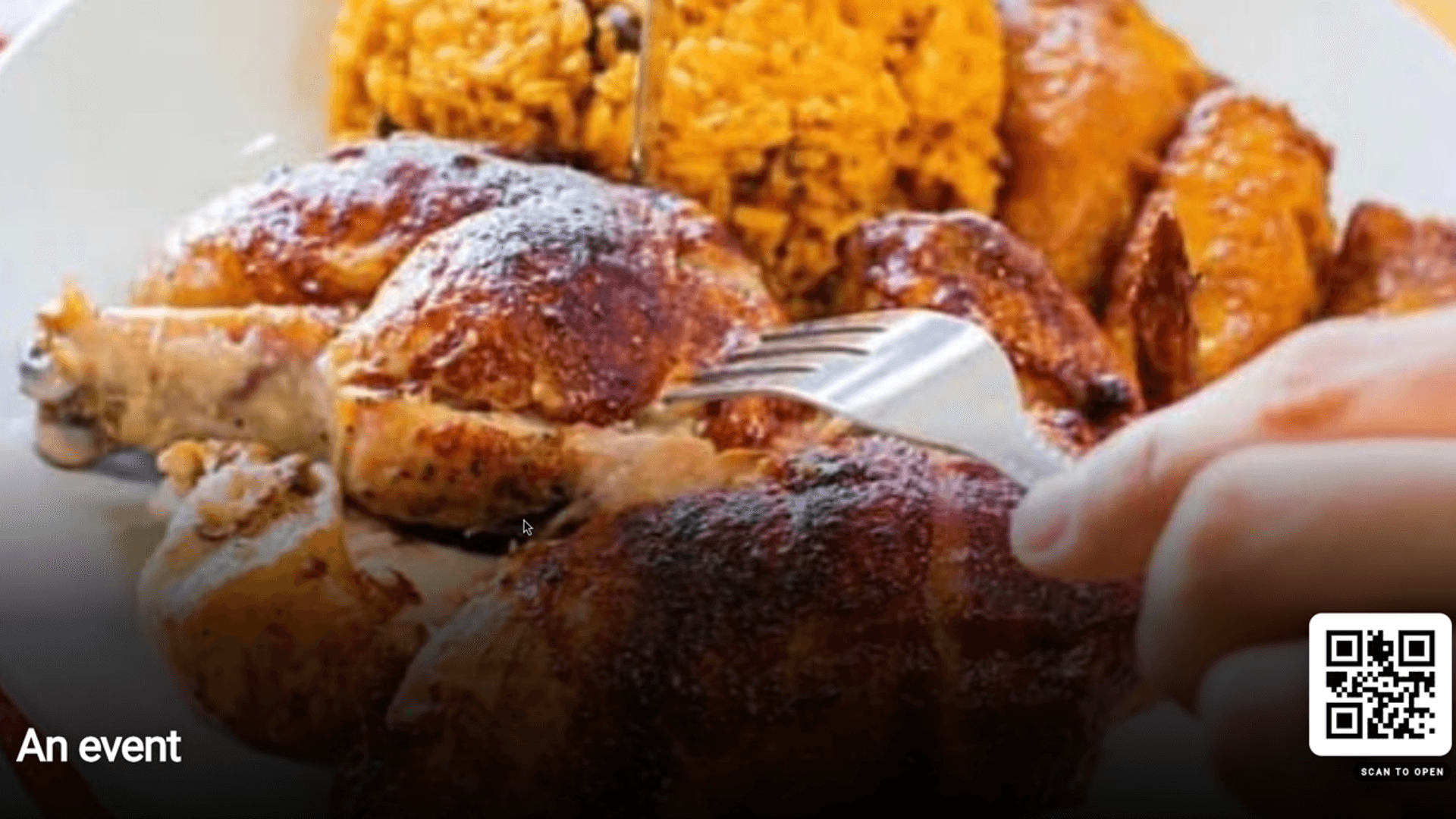
Piocos Chicken (merchant 1) — hero spotlight and order pills.
Tap or Scan · NFC + QR
Put a Qbon code on any table, counter, room, or screen. Customers tap or scan to land on your spotlight, links, reviews, games, and video. Update once and every code follows.
Any surface. Your front door.
Per touch point
Every sticker and NFC tag is its own sales channel. Qbon tracks scans and taps per touch point — waiting room, tables, restroom, bar — so you know which spots drive engagement and where to promote your next offer.
Example — scans by touch point (7 days)
Waiting room
NFC tap + scan
142
Dining tables
QR on sticker
89
Restroom mirror
QR scan
34
Bar top
NFC tap
56
Sample numbers for layout only — your portal shows real counts per code and location.
NFC tap counts
Tap or Scan stickers record taps separately from QR scans — ideal for counters and restrooms where guests tap without aiming a camera.
Every spot sells
Table, waiting room, and bathroom codes can highlight different links — more specials, bookings, or reviews from the same business without guessing which placement performs.
Locations + touch points
Roll up by site or compare placements inside one venue — each code is a channel you can optimize.
Full-frame guest views from live merchants — Piocos Chicken (1), Qbon demo (2), Touch Hair Salon (7), and NANOCUTS (8). Each panel shows a different storefront feature.
Piocos Chicken (merchant 1) — hero spotlight and order pills.
Qbon demo (merchant 2) — second spotlight slide in the carousel.
Touch Hair Salon (merchant 7) — booking and website links.
Piocos Chicken — branded games guests can play while they wait.
Qbon demo storefront — full living storefront example.
NANOCUTS (merchant 8) — salon storefront home view.
Create your organization and locations
Place Tap or Scan codes on every touch point
Guests tap or scan — no app needed
Update spotlight once; every code follows
One edit · Every channel
Change the spotlight in the merchant portal and the same update reaches stickers, NFC taps, guest phones, and Qbon TV screens.
Merchant portal
You edit the spotlight
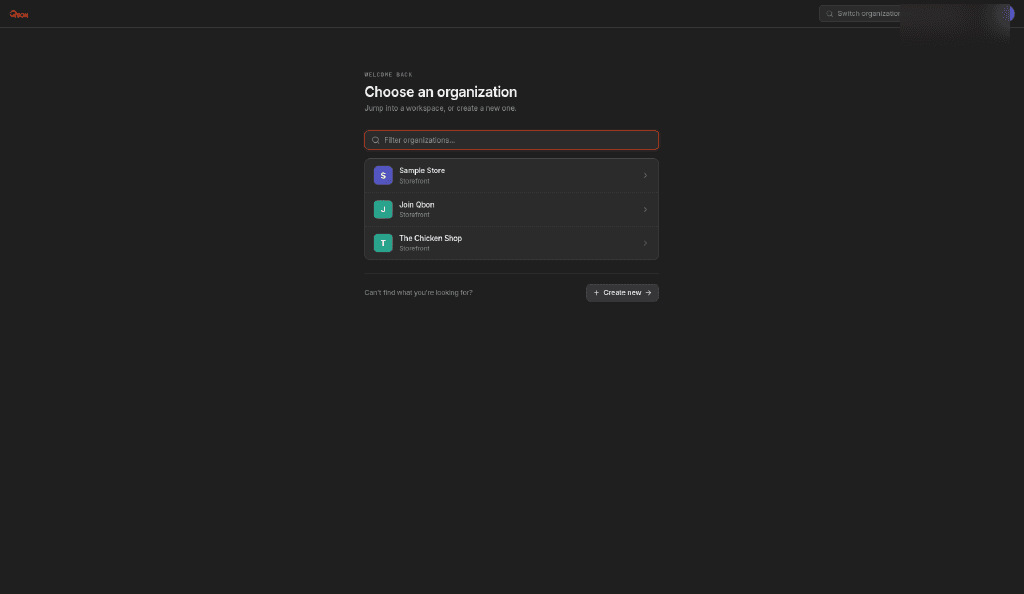
Spotlight
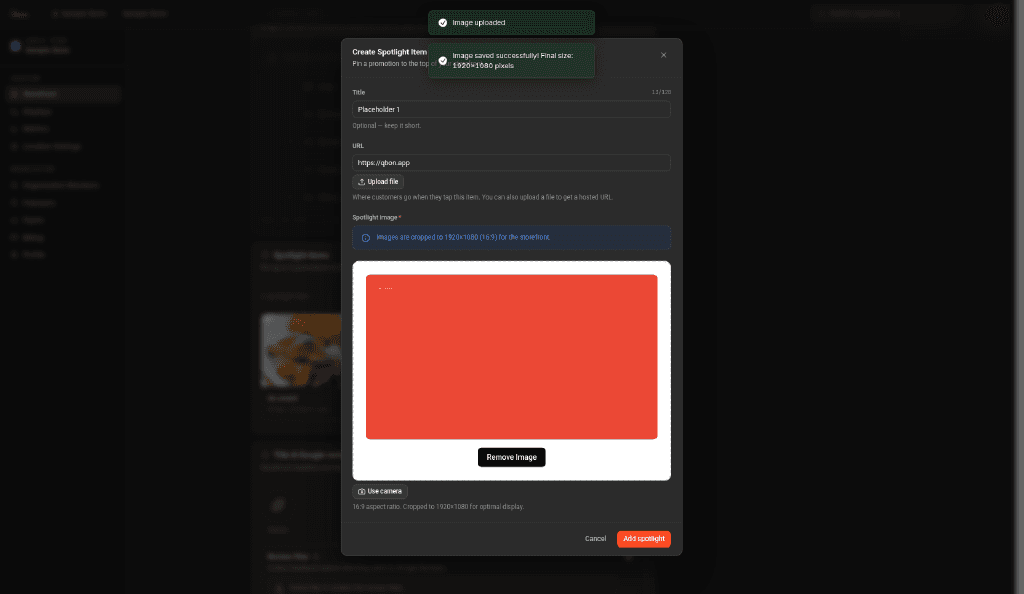
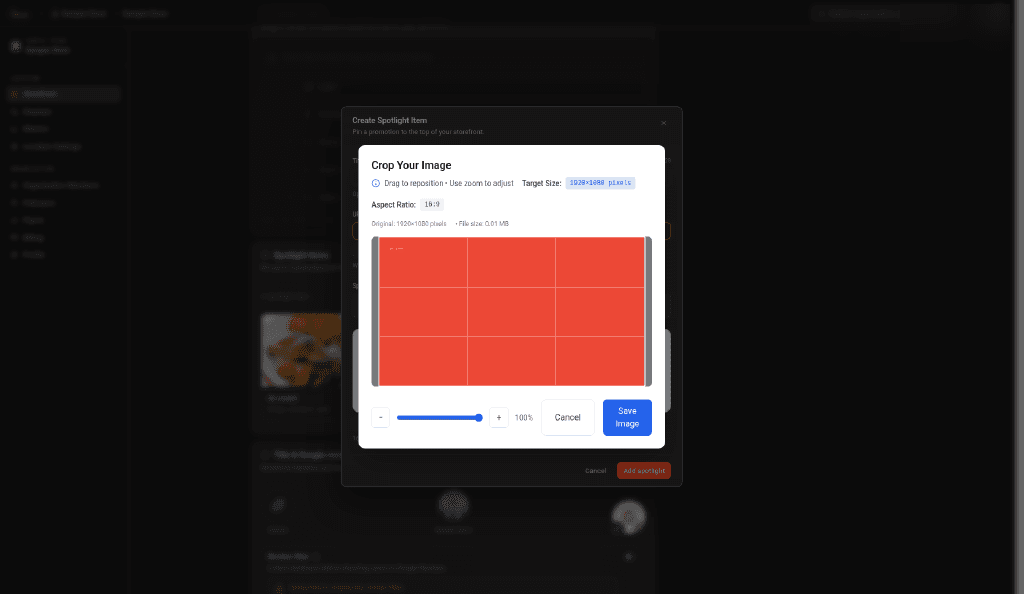
Crop & publish
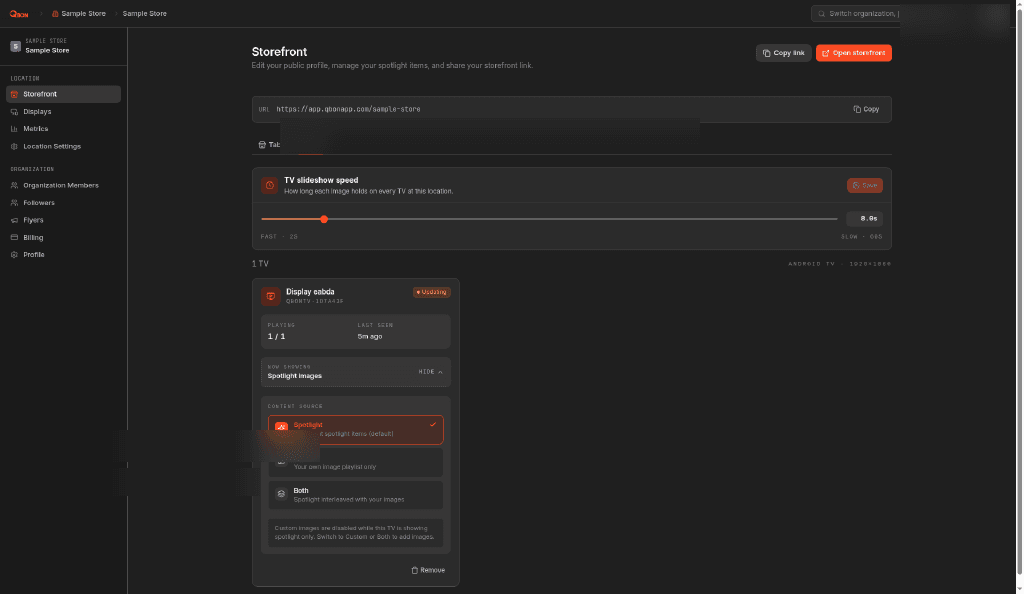
TV · Spotlight
Tonight's special → publish
Table sticker
QR scan
Counter
NFC tap
Guest phone
Same storefront
Qbon TV
Spotlight sync
Same platform — different placements. Each industry has natural spots to open your storefront.
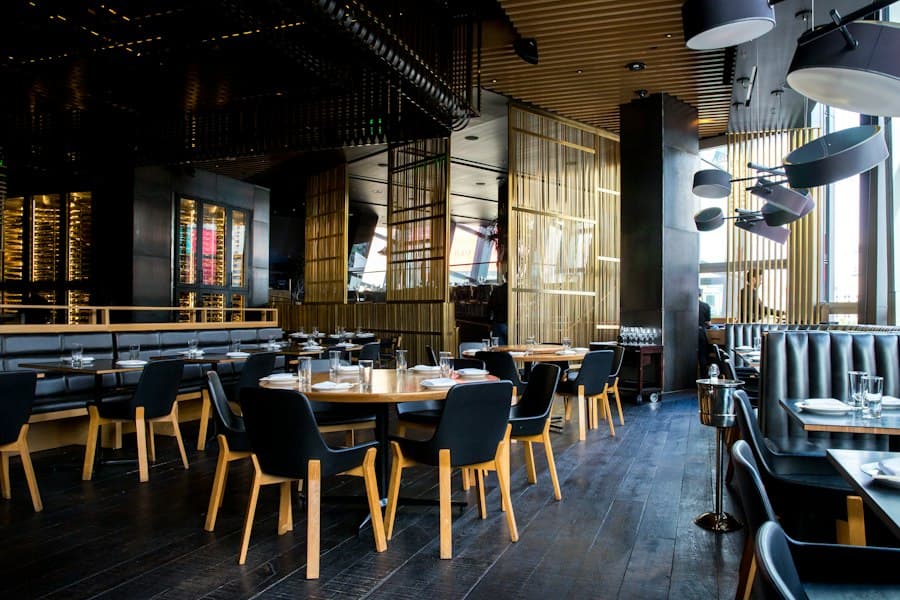
Table, counter, and takeout bag touch points with menu, reviews, and games.
Explore →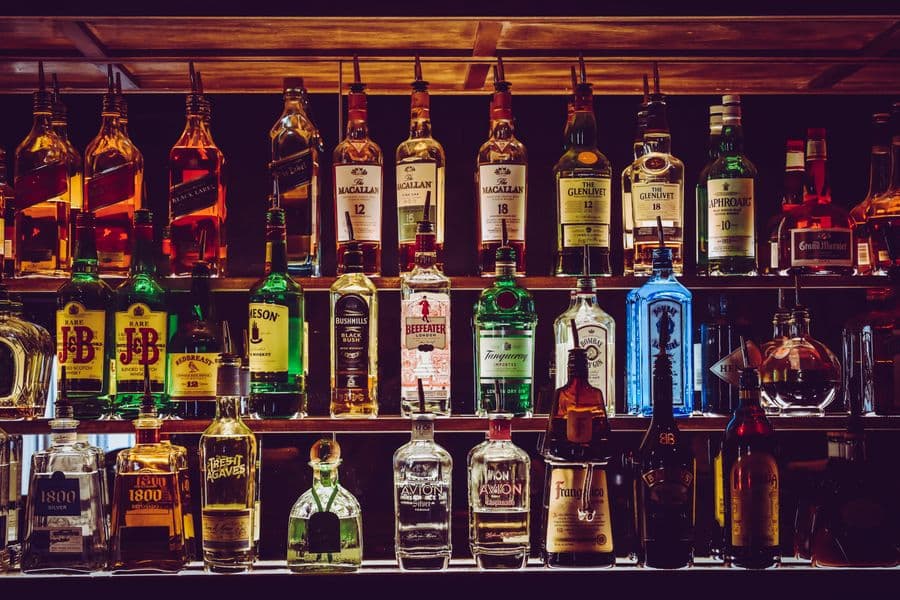
Bar-top specials, events, and restroom wayfinding via your links.
Explore →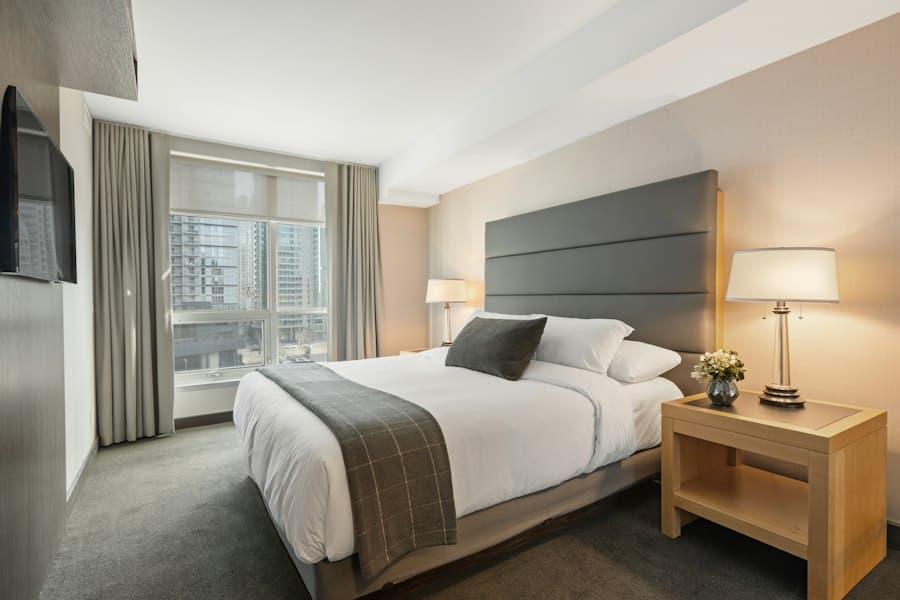
Room cards, pool chairs, and lobby screens that link to your existing tools.
Explore →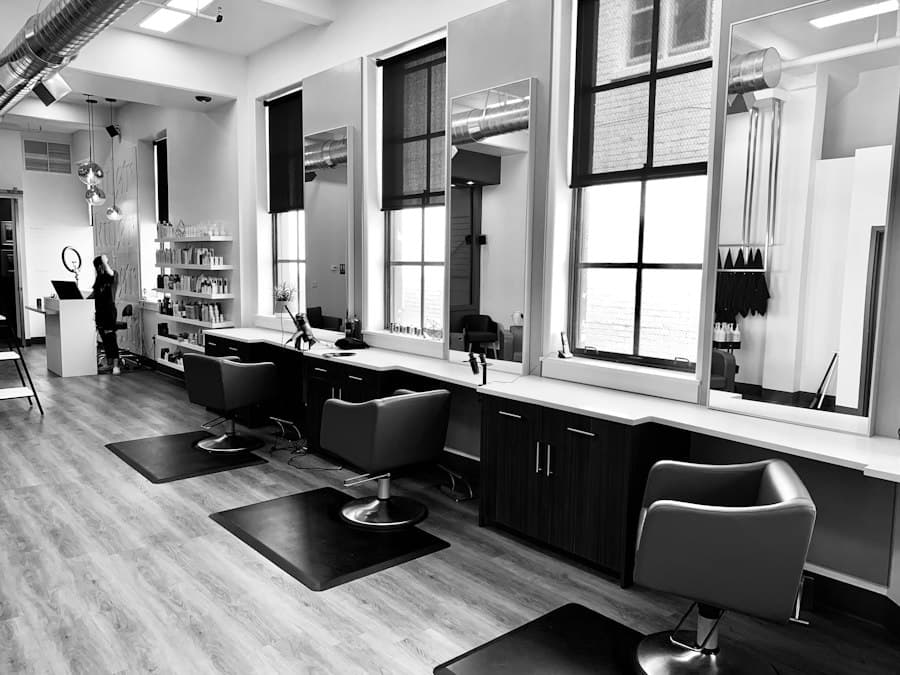
Mirror stations with booking links, stylist socials, and reviews.
Explore →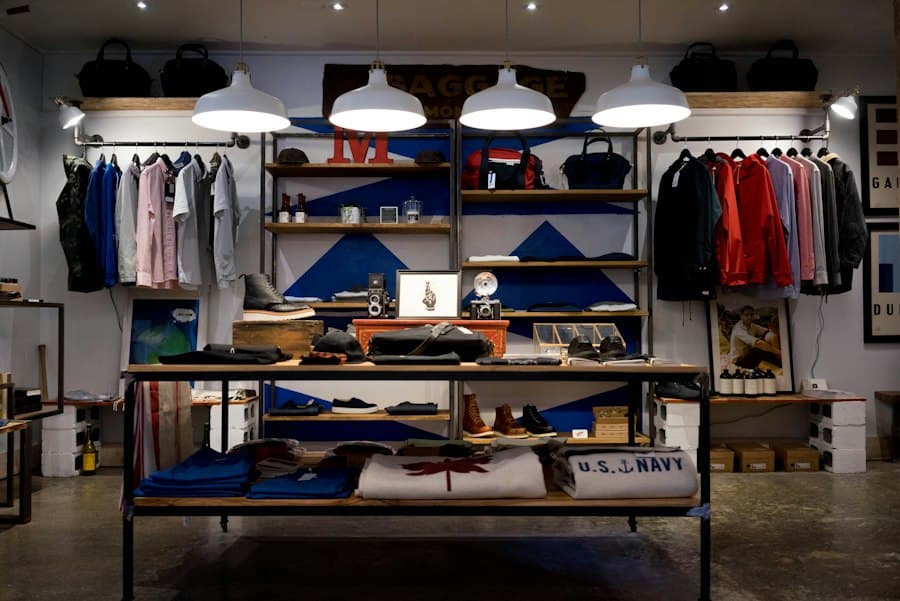
Shelf talkers and checkout counters with guides and review prompts.
Explore →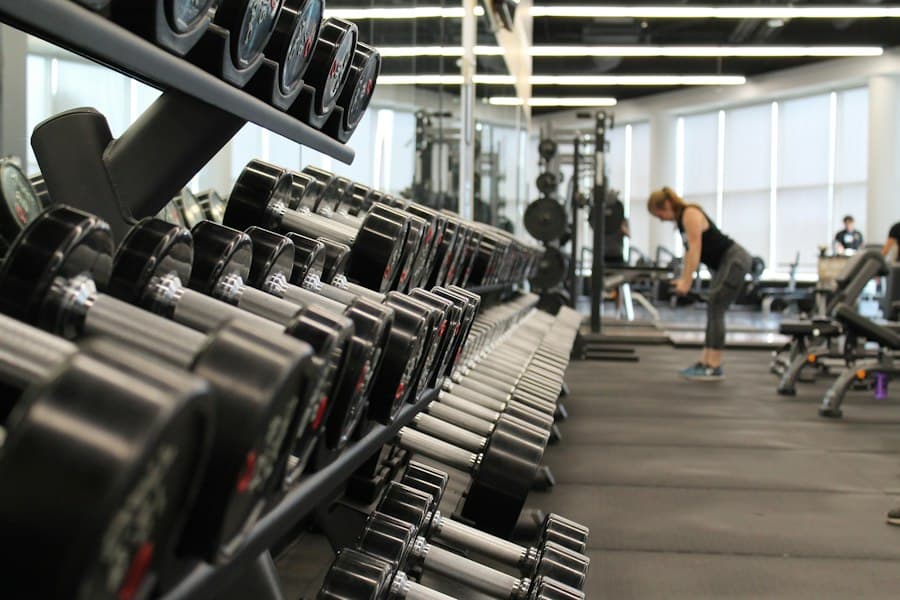
Equipment tags and locker-room codes for schedules and trainer booking.
Explore →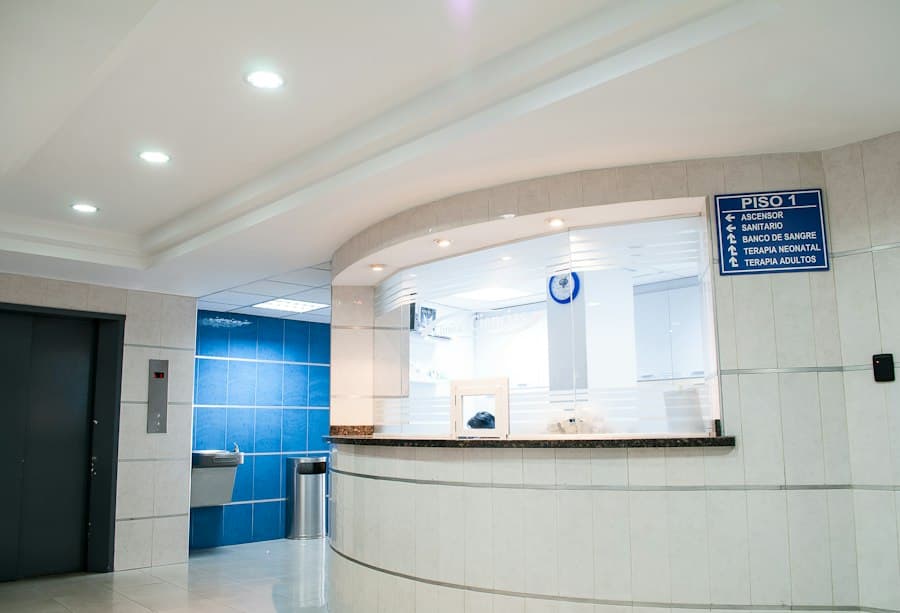
Waiting-room codes that link to forms and directions — no app required.
Explore →
Seat backs, wristbands, and gate signage with schedules and merch links.
Explore →Qbon TV · Live
Qbon TV is live on Android TV. Cycle spotlight images and custom playlists on lobby, bar, and dining-room screens — updated from the same dashboard as your Tap or Scan codes.
Explore Qbon TVSpotlight cycle from your dashboard
On Qbon now
Pulled from the public merchant directory — logos update as businesses join.
Your Qbon storefront is the front door at every touch point. Your website is the front door on Google. We build and manage both.
Web development & management$0
Per location to start
$30
Per merchant / month
Tell us your industry and how many spots you want to connect — we'll map placements on a live demo.
Book a demo